Playbooks
AI Agent Outbound While You Sleep: The LinkedIn Playbook
How to let an AI agent find, qualify and warm up prospects overnight, so you wake up to conversations instead of a send log.
Search "AI agent outbound while I sleep" and you'll find the same promise everywhere: set up a workflow, go to bed, wake up to a pipeline.
Most of those setups do one thing overnight. They send. A list goes in, a few hundred templated messages go out, and in the morning you have a send log and a handful of "not interested" replies. That's not outbound while you sleep. That's spam on a timer.
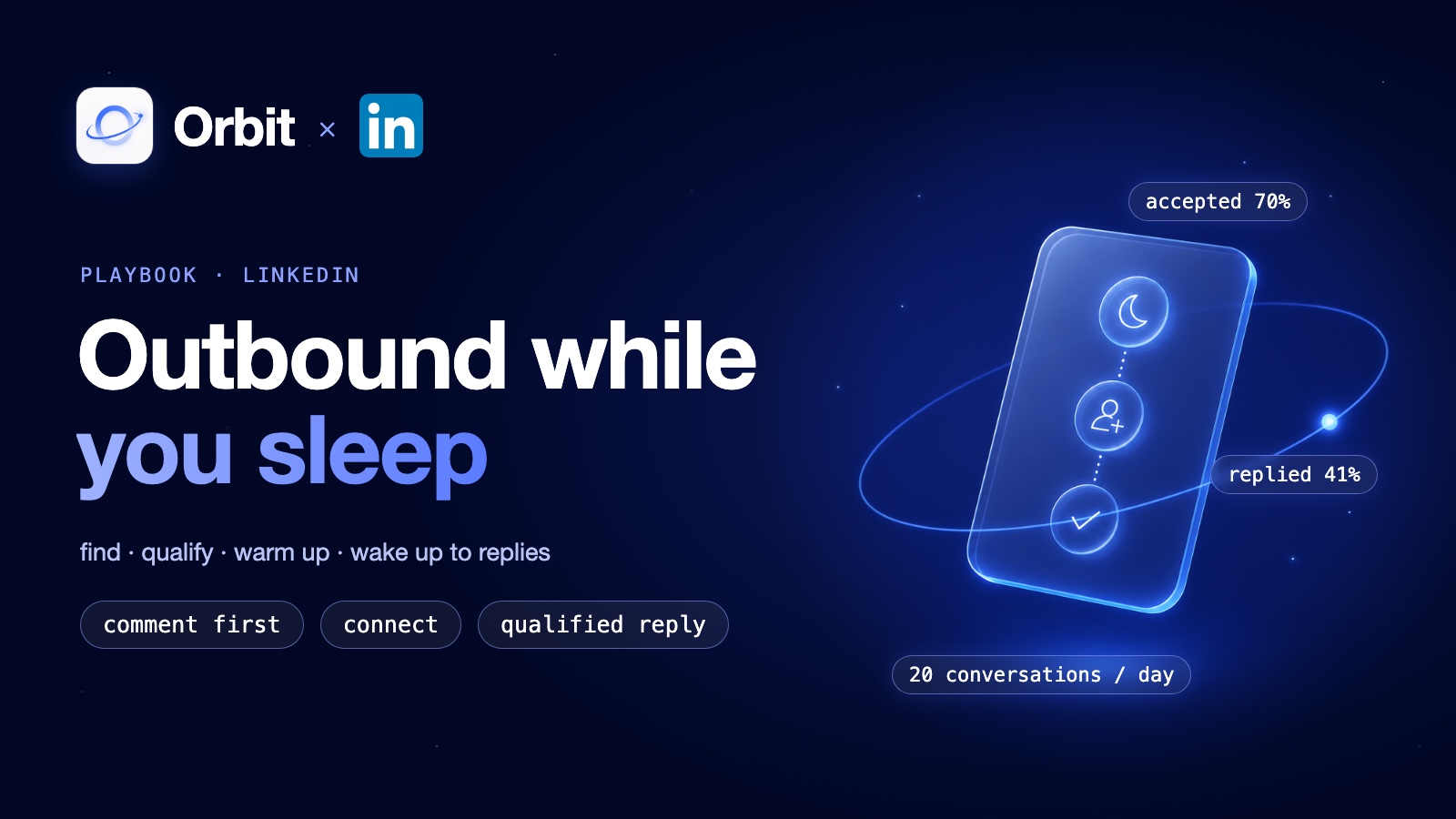
What you actually want to wake up to is conversations with the right people, already warm, already qualified, waiting for you to reply. Here's the playbook I use to get that on LinkedIn, and the numbers it produces on my own account.
What should happen while you sleep (and what shouldn't)
Split outbound into two halves.
The agent's half is everything that's slow, repetitive and doesn't need your judgment:
- Finding people who are showing buying intent right now.
- Checking whether each one fits your ICP.
- Warming them up so your name isn't a stranger's name.
- Sending the connection request and the first message.
- Sorting the replies into "needs you" and "doesn't".
Your half is the conversation. The moment someone replies with a real question, that's your job, and you do it at breakfast with full context.
The mistake most setups make is letting the agent do your half too, or skipping the qualifying and warming steps so it can send more. Volume is the easy part to automate. It's also the part that burns accounts.
The playbook: five steps an agent runs overnight
1. Start from intent, not from a list
A scraped list tells you someone has a job title. It doesn't tell you they care about your problem this week.
The better signal is people commenting on posts your ICP is already reading. Someone who comments on a post about managing AI agents is telling you, in public, that the topic matters to them. The agent uses Apify to scrape the commenters on a set of high-relevance posts you pick, and that becomes the raw pool.
2. Qualify before you touch anyone
Not every commenter is a buyer. The agent filters the pool against your ICP before anything goes out: role, company size, whether they look like a decision-maker.
This is a lot of small yes-or-no calls, and you don't need your most expensive model for them. In Orbit that's what the Jev decision model is for. It scores a list with a confidence score per person, so the agent only spends effort on the ones who pass, and anything borderline gets flagged for you.
3. Comment before you connect
This is the step that changes the numbers. Instead of a cold connection request, the agent leaves a genuine, relevant comment on the prospect's own recent post.
By the time a request shows up, they've already seen the name. A cold request asks a stranger for something. A request after a real comment is just the next step in a conversation they already started.
4. Connect and open, with a message that doesn't pitch
The connection request is personal. The first message after they accept doesn't pitch. It picks up the thread from their post or their comment and asks something they'd actually want to answer.
Orbit enforces daily and hourly caps per connected account on invites, messages and comments, so the agent spreads the work across the night instead of firing it all at 2am. That pacing is the difference between a warm-up and a pattern the platform notices.
5. Hand off in the morning
Replies get sorted overnight. Real conversations land in one place for you, with the context the agent gathered: which post they commented on, what the agent said, why they passed the ICP check. You reply as yourself.
If you want a tighter leash, set the agent to draft replies for your approval instead of sending them. That's a good default for your first few weeks.
The numbers from my own account
This is the setup I run on my own LinkedIn, as one agent inside Orbit. It produces:
- 70% connection acceptance rate
- 41% reply rate
- About 20 qualified conversations waiting every morning
I've posted these numbers publicly, and the full breakdown of the method is in the LinkedIn method behind 20 qualified conversations a day. They're my results on my account and my ICP, not a promise for yours. Your acceptance rate will depend on how good your post selection and your ICP filter are.
List-blast automation vs an outbound agent
| List-blast automation | Outbound agent (this playbook) | |
|---|---|---|
| Where prospects come from | A scraped or bought list | People already engaging with relevant posts |
| Qualification | Usually a filter on job title | ICP scoring per person before any outreach |
| First touch | Cold connection request or DM | A real comment on their own post |
| First message | Template, often a pitch | Picks up their topic, no pitch |
| Pacing | As fast as the tool allows | Per-account daily and hourly caps |
| What you wake up to | A send log | Qualified replies, sorted |
| Best for | High volume across many accounts | Founders who need conversations, not sends |
To be fair to the list tools: if you're an agency running dozens of client accounts and your game is volume across all of them, tools built for multi-account sending are designed for exactly that. They're good at it. This playbook is for the founder who has one account, one reputation and a limited number of hours, and who needs the conversations to be the right ones.
How to run it in Orbit
You can set this up two ways, no code:
- Ask Orbie. Describe it in chat: "Build me a LinkedIn outbound agent that scrapes commenters on posts about my topic, scores them against my ICP, comments on their posts before connecting, and sends me the qualified replies each morning." Orbie builds and configures it.
- Install from the marketplace. Add the LinkedIn Growth Agent, connect your LinkedIn account, set your ICP and the posts to watch.
The agent runs on Orbit's own workers on a schedule, so nothing needs your laptop open overnight. Apify and Jev are provisioned inside Orbit, so there are no API keys to wire up. And because every agent reads the same shared memory, your ICP definition and your "never pitch in the first message" rule live in one place instead of being pasted into five prompts. If you're running more than one agent, that's the part that keeps them from drifting. I wrote about that side of it in how to manage multiple AI agents as a solo founder.
Outbound is one job. Orbit is built to run the rest of the company the same way: agents that come with tools wired in, one shared memory and one place to see what they did overnight. Build the AI empire that runs with you, the operating system for Claude, Codex, ChatGPT and more.
Set up your first outbound agent on Orbit and see what's waiting for you tomorrow morning.
Frequently asked questions
- Can an AI agent really do outbound while I sleep?
- Yes, for the part that doesn't need your judgment: finding people showing intent, qualifying them against your ICP, warming them up with a comment, connecting and sending a first message. The conversation itself is still yours. The goal is to wake up to qualified replies, not to hand off the relationship.
- Will this get my LinkedIn account restricted?
- Blasting cold requests and templated DMs is what gets accounts flagged. This playbook does the opposite: fewer, personalised touches, comments before connection requests, and per-account daily and hourly caps that Orbit enforces. No outreach method is risk-free, so start slow and keep an eye on your acceptance rate.
- What results should I expect?
- On my own account this runs at a 70% acceptance rate, a 41% reply rate and about 20 qualified conversations a day. Your numbers depend on your ICP, the posts you pick as signals and how well the qualifying step is tuned.
- Do I need to keep my computer on?
- No. The agent runs on Orbit's own workers on a schedule. You connect your LinkedIn account once and check the results in the morning.
Build your autonomous AI company
Orbit gives your AI clients shared memory, provisioned tools and agents that run like trained employees.
Get started free