Product
350 AI Agents Built on Orbit: What Makes an Agent Actually Work
A thank you, the numbers, and a short guide to building an agent that keeps running after week one.
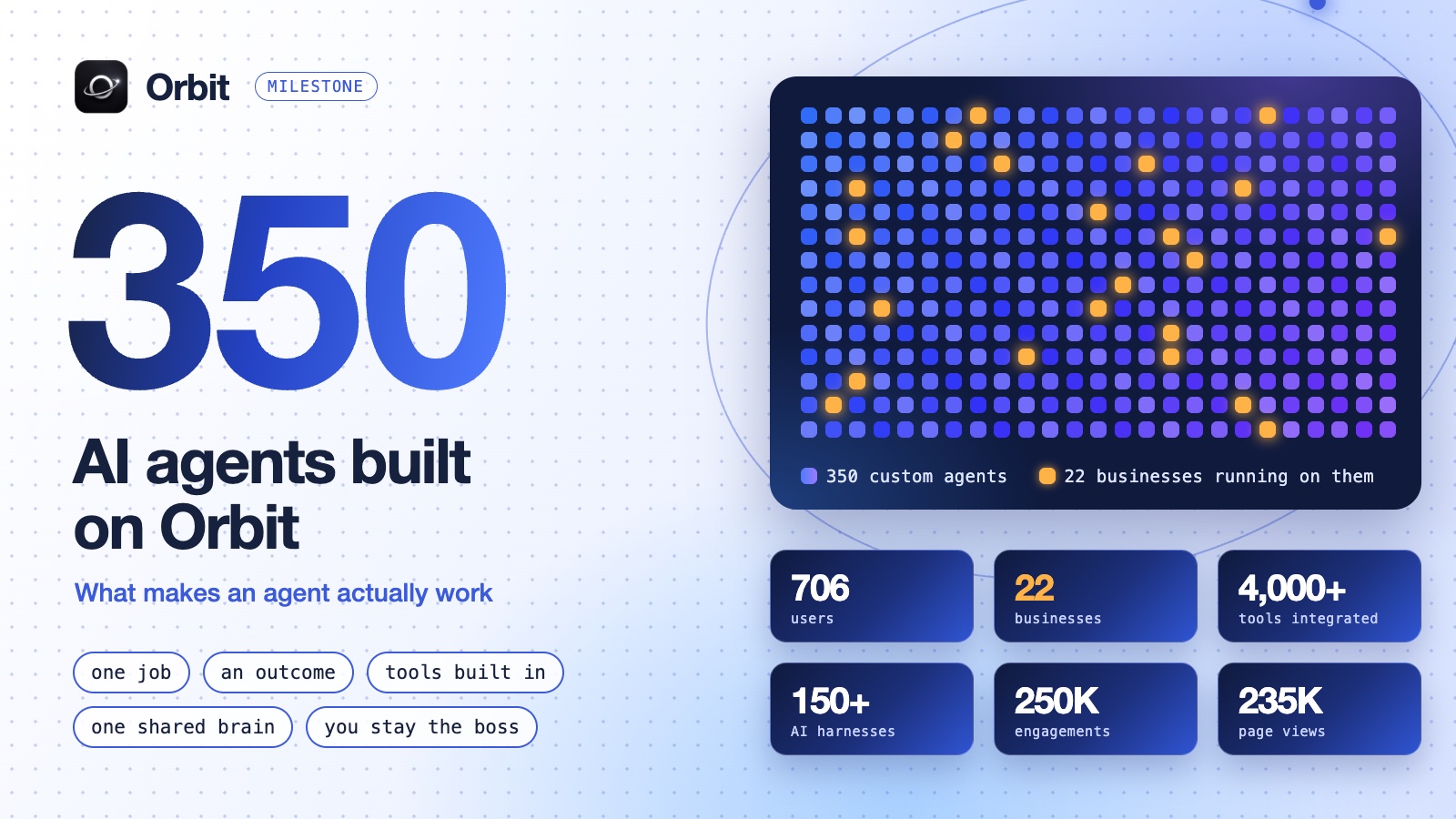
350 custom AI agents have now been built on Orbit.
They find customers. They write the outreach. They answer replies, update the CRM and run growth on a schedule, while the people who built them sleep, sell or work on their product.
This post is half celebration and half something more useful. First the numbers and a thank you. Then what an agent on Orbit really is, and the six habits that separate an agent that keeps running from one that gets switched off after a week.
Where we are
- 350 custom agents
- 706 users
- 22 businesses running on it
- 4,000+ tools integrated
- 150+ AI harnesses connected
- 250K social engagements
- 235K page views
The numbers are nice. What matters more is what sits behind them: people stopped adding one more tool to the pile and started handing whole jobs to agents, with one shared brain and a human who stays the boss.
What those words mean
If you're new to this, three of those lines need a translation.
- A custom agent is an AI worker with one job. You describe a job in a sentence (find me customers on LinkedIn, write my outreach, post my content) and an agent shows up ready to do it, with all the tools it needs already built in.
- A tool is anything the agent can act with: a search, a scraper, an inbox, a CRM, a social account. Without tools an agent can only talk. With them it can do the work.
- A harness is the AI program an agent runs inside, such as Claude, Codex or ChatGPT. Orbit sits above them, so agents in different harnesses share the same memory and report to the same place.
Agents run on their own, on a schedule you set, or whenever you ask them. Everything they do lands in one place you can see, and you tell them what to change by just replying.
Six habits of an agent that keeps running
Building an agent takes a sentence. Building one you still trust a month later takes a few habits. These are the ones the product is built around.
1. One agent, one job
"Do my marketing" is a department, not a job. "Find 20 founders a day who posted about hiring an SDR" is a job. The narrower the job, the easier it is to see if the agent did it.
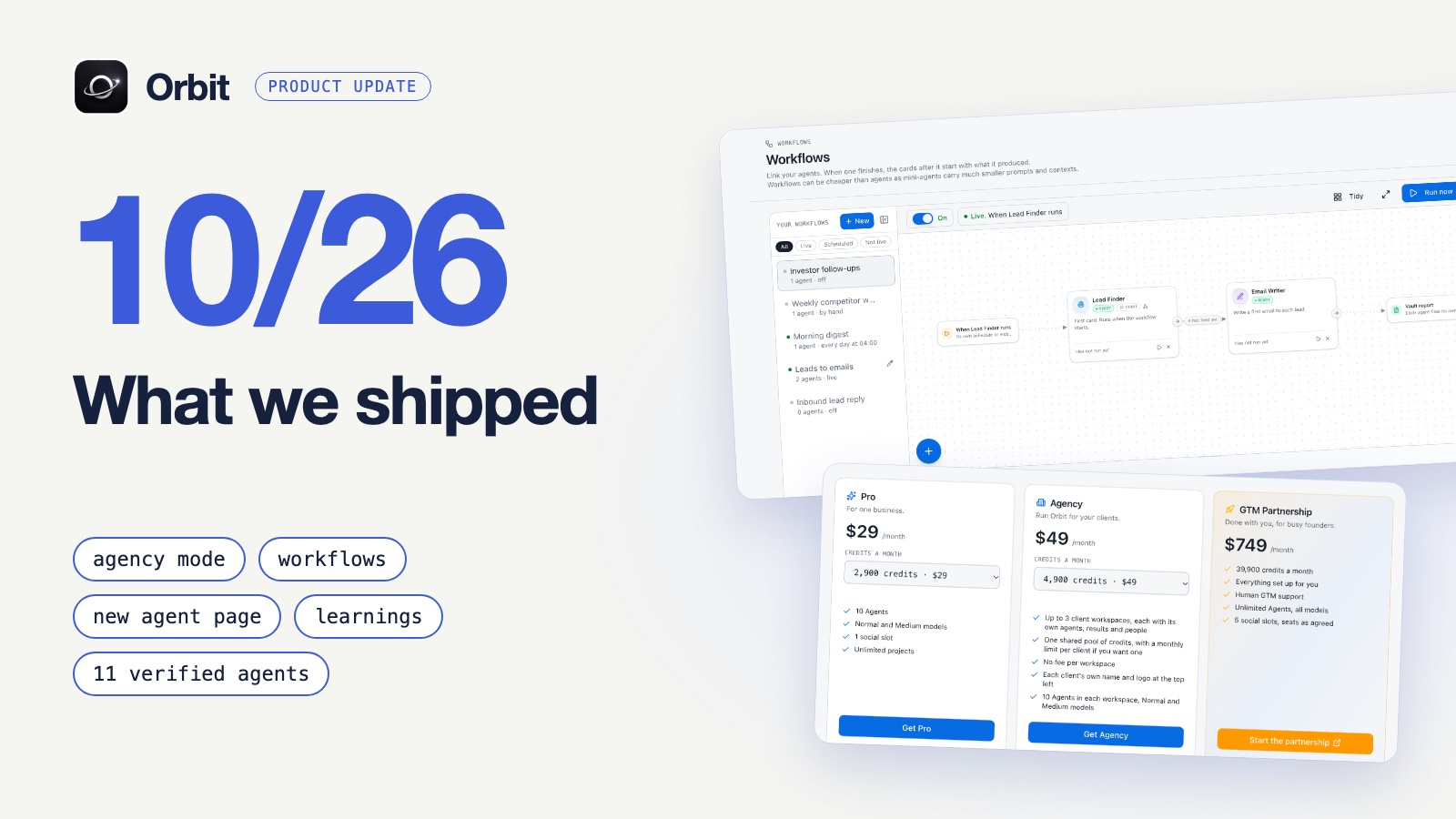
When you need more than one job done in a row, link agents instead of stretching one. That's what Workflows are for: one agent finishes and the next starts with what it produced. I covered how that works in the October update.
2. Give it an outcome, not a task list
A task list tells an agent what to do. An outcome tells it when it's done. "Five qualified conversations a week" lets the agent make sensible choices along the way. Every agent on Orbit has an outcome field for this reason.
3. Start from an agent that already works
A blank prompt box is the slowest way to start. The Marketplace has a Verified by Orbit section with agents built and tested by our team, each with a finished prompt. Install one, watch a run, then change what doesn't fit your business. You learn more from editing a working agent than from writing one cold.
4. Read the run, then correct the step
The hardest part of trusting an agent is that you can't see inside a run. Sequence fixes that. It draws each run as a chain of steps, so when a result is wrong you can point at the step that caused it.
- Open a step to see what it asked for.
- Take a step out if it was a waste.
- Leave a note on a step that was close but off. The agent is told at the start of its next run.
That turns fixing an agent from rewriting its prompt and hoping into a two minute correction.
5. Let it learn
Most agents start every run from zero. On Orbit, when something clearly improved the results, or when you told an agent how you want the work done, it writes that down as a learning. It also reviews its own recent runs every 10 runs or 7 days. Learnings can be shared with other agents, so what your outreach agent works out doesn't stay with your outreach agent.
6. Stay the boss
Orbit runs your growth and marketing. It doesn't take your sales calls or deliver your work. That's still you. The agents that last are the ones with a human who reads the results and replies with corrections. If you run several at once, this guide to managing multiple AI agents is the next thing to read.
Build your first agent this week
You can go from nothing to a running agent in one sitting.
- Sign up free. You get 100 credits and no card is needed.
- Pick one job. Install a verified agent or describe the job in one sentence.
- Tell it when to run. Say it in chat, for example "run every weekday at nine".
- Read the first run. Open Sequence, leave one note on the step that was off, and let it run again.
Do that for one week and you'll know more about running agents than most people who only read about them.
Thank you
To everyone who signed up, built an agent, broke something and told us, or joined the community: you're shaping what this becomes. We're early, and it already feels like the way every company will work.
If you've been watching from the side, now is a good time to try it. Build the AI empire that runs with you, the operating system for Claude, Codex, ChatGPT and more.
Frequently asked questions
- What is a custom AI agent on Orbit?
- An AI worker with one job, such as finding leads, writing outreach or posting content. You describe the job in a sentence and the agent comes with the tools it needs already built in. It runs on a schedule or whenever you ask.
- What is an AI harness?
- The AI program an agent runs inside, such as Claude, Codex or ChatGPT. Orbit connects to them so agents in different harnesses share one memory and report to one place.
- Do I need API keys or coding skills to build an agent?
- No. Agents come with tools wired in, with no API keys and no setup. You describe the job in plain language.
- How much does it cost to start?
- Orbit is free to start: 100 credits, no card, then 5 free credits a day and up to 3 agents. Paid plans start at $29 a month.
- What kind of work do the agents do?
- Marketing and sales work: finding customers, writing and sending outreach, sorting replies, updating the CRM and posting content. Sales calls and client delivery stay with you.
Build your autonomous AI company
Orbit gives your AI clients shared memory, provisioned tools and agents that run like trained employees.
Get started free